Module AI_Follow
AI -- (R2.1) Build large formations of AI Groups flying together.
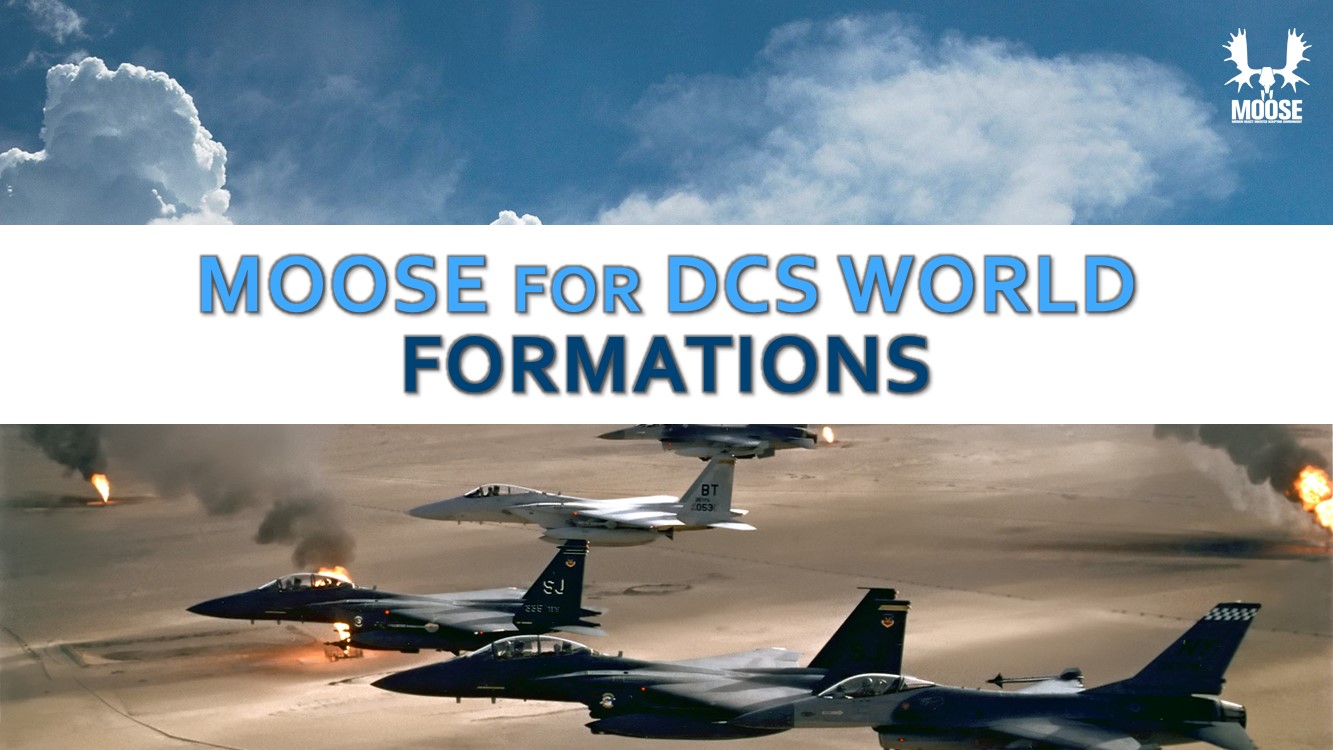
AI_FORMATION makes AI GROUPs fly in formation of various compositions.
There are the following types of classes defined:
- #AI_FORMATION: Create a formation from several GROUPs.
Demo Missions
AI_FORMATION Demo Missions source code
AI_FORMATION Demo Missions, only for beta testers
ALL Demo Missions pack of the last release
YouTube Channel
AUTHORS and CONTRIBUTIONS
Contributions:
Authors:
- FlightControl: Concept, Design & Programming.
Global(s)
| AI_FORMATION |
AI_FORMATION class, extends Fsm#FSM_SETThe #AI_FORMATION class allows you to build large formations, make AI follow a Client#CLIENT (player) leader or a Unit#UNIT (AI) leader. |
Type AI_FORMATION
| AI_FORMATION.FollowDistance |
The current follow distance. |
| AI_FORMATION.FollowGroupSet | |
| AI_FORMATION.FollowMenuResumeMission | |
| AI_FORMATION.FollowMode |
The mode the escort is in. |
| AI_FORMATION.FollowName | |
| AI_FORMATION.FollowScheduler |
The instance of the SCHEDULER class. |
| AI_FORMATION.FollowUnit | |
| AI_FORMATION:New(FollowUnit, FollowGroupSet, FollowName, FollowBriefing) |
AI_FORMATION class constructor for an AI group |
| AI_FORMATION.OptionReactionOnThreat |
Which REACTIONONTHREAT is set to the FollowGroup. |
| AI_FORMATION.ReportTargets |
If true, nearby targets are reported. |
| AI_FORMATION.SmokeDirectionVector | |
| AI_FORMATION:TestSmokeDirectionVector(SmokeDirection) |
This function is for test, it will put on the frequency of the FollowScheduler a red smoke at the direction vector calculated for the escort to fly to. |
| AI_FORMATION:onenterFollowing(FollowGroupSet) |
Type AI_FORMATION.MODE
| AI_FORMATION.MODE.FOLLOW | |
| AI_FORMATION.MODE.MISSION |
Type MENUPARAM
| MENUPARAM.ParamDistance | |
| MENUPARAM.ParamFunction | |
| MENUPARAM.ParamMessage | |
| MENUPARAM.ParamSelf |
Global(s)
- #AI_FORMATION AI_FORMATION
-
AI_FORMATION class, extends Fsm#FSM_SET
The #AI_FORMATION class allows you to build large formations, make AI follow a Client#CLIENT (player) leader or a Unit#UNIT (AI) leader.
AI_FORMATION construction
Create a new SPAWN object with the AI_FORMATION.New method:
- Follow#AI_FORMATION.New(): Creates a new AI_FORMATION object from a Group#GROUP for a Client#CLIENT or a Unit#UNIT, with an optional briefing text.
Initialization methods
The following menus are created within the RADIO MENU of an active unit hosted by a player:
- Follow#AI_FORMATION.SetFormation(): Set a Vec3 position for a GroupName within the GroupSet following.
Usage:
-- Declare a new FollowPlanes object as follows:

-- First find the GROUP object and the CLIENT object.
local FollowUnit = CLIENT:FindByName( "Unit Name" ) -- The Unit Name is the name of the unit flagged with the skill Client in the mission editor.
local FollowGroup = GROUP:FindByName( "Group Name" ) -- The Group Name is the name of the group that will escort the Follow Client.

-- Now use these 2 objects to construct the new FollowPlanes object.
FollowPlanes = AI_FORMATION:New( FollowUnit, FollowGroup, "Desert", "Welcome to the mission. You are escorted by a plane with code name 'Desert', which can be instructed through the F10 radio menu." )
Type AI_Follow
Type AI_FORMATION
AI_FORMATION class
Field(s)
- #number AI_FORMATION.FollowDistance
-
The current follow distance.
- #AI_FORMATION.MODE AI_FORMATION.FollowMode
-
The mode the escort is in.
- #string AI_FORMATION.FollowName
- Scheduler#SCHEDULER AI_FORMATION.FollowScheduler
-
The instance of the SCHEDULER class.
- AI_FORMATION:New(FollowUnit, FollowGroupSet, FollowName, FollowBriefing)
-
AI_FORMATION class constructor for an AI group
Parameters
-
Unit#UNIT FollowUnit: The UNIT leading the FolllowGroupSet. -
Set#SET_GROUP FollowGroupSet: The group AI escorting the FollowUnit. -
#string FollowName: Name of the escort. -
FollowBriefing:
Return value
#AI_FORMATION: self
-
- DCSTypes#AI.Option.Air.val.REACTION_ON_THREAT AI_FORMATION.OptionReactionOnThreat
-
Which REACTIONONTHREAT is set to the FollowGroup.
- #boolean AI_FORMATION.ReportTargets
-
If true, nearby targets are reported.
- AI_FORMATION:TestSmokeDirectionVector(SmokeDirection)
-
This function is for test, it will put on the frequency of the FollowScheduler a red smoke at the direction vector calculated for the escort to fly to.
This allows to visualize where the escort is flying to.
Parameter
-
#boolean SmokeDirection: If true, then the direction vector will be smoked.
-
- AI_FORMATION:onenterFollowing(FollowGroupSet)
-
Parameter
-
FollowGroupSet:
-
Type AI_FORMATION.MODE
AI_FORMATION.Mode class
Field(s)
- #number AI_FORMATION.MODE.FOLLOW
- #number AI_FORMATION.MODE.MISSION
Type Distance
Type MENUPARAM
MENUPARAM type
Field(s)
- #function MENUPARAM.ParamFunction
- #string MENUPARAM.ParamMessage