Rework the preset location finder so this property isn't required. We
still need _some_ location, but it's fine for that location to be
approximate so the centroid works; the new name is just much more clear
about what we can assume about it.
This PR allows campaign creators to incorporate map objects (referred to as Scenery in the code) into their Liberation campaign.
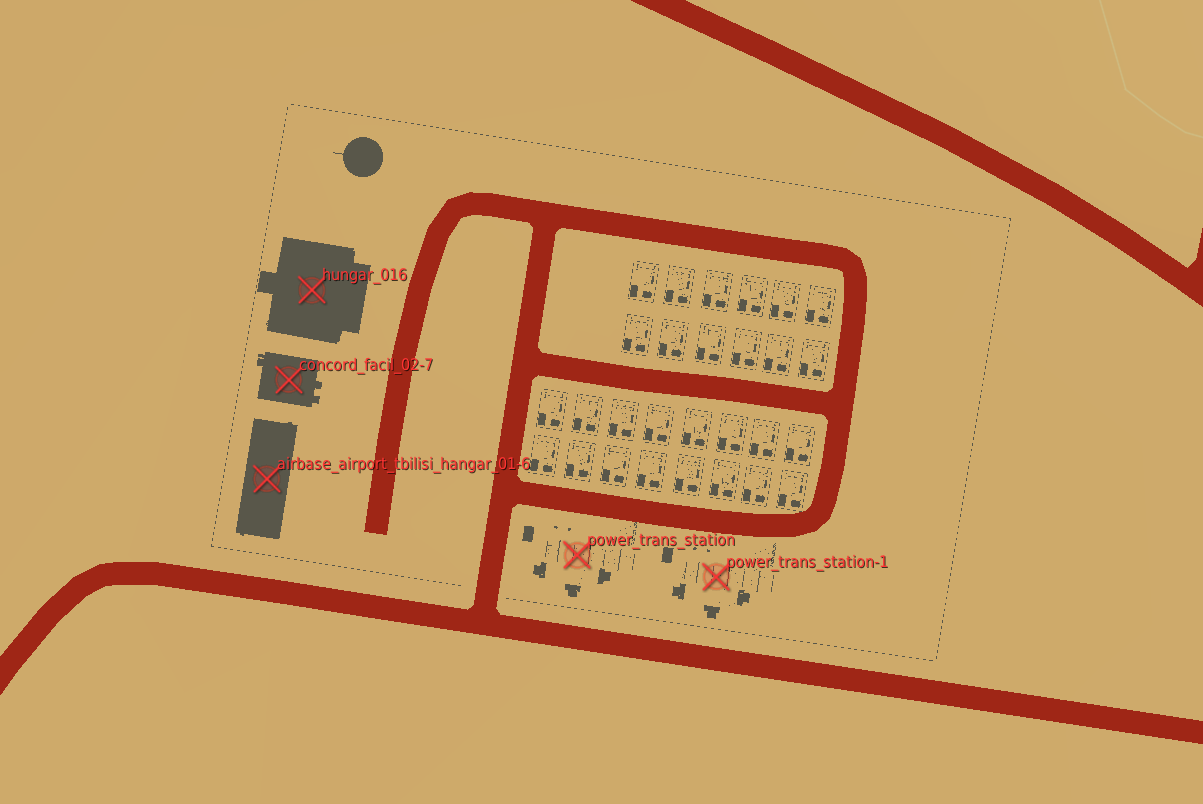
Map objects are defined using white trigger zones created by right clicking on scenery and clicking `assign as...`. Objective groups are defined by creating a blue TriggerZone surrounding the centers of the white trigger zones. The type of objective is determined by the campaign creator, assigning the value of the first property of the blue TriggerZone with the objective type.
Map objects maintain their visually dead state by assigning a `Mission Start` `Scenery Object Dead` trigger to the trigger zone. It is important for the Liberation generated TriggerZone to be as small as possible so that no other scenery is marked dead by DCS.
TriggerZones are hidden during gameplay (DCS behavior. I don't know if it's possible to turn that off.) TriggerZones are visible in the mission editor and mission planner however. If a player is using an older plane, it is important for them to remember where the target is.
In the mission planner, the trigger zones' will be blue or red depending on which faction the map objects belong to.
Inherent Resolve campaign has been modified to integrate scenery objects.
### **Limitations:**
- Objective definitions (Any Blue TriggerZones) in campaign definition cannot overlap.
- Map object deaths in `state.json` is tracking integers. You won't know what died until debriefing.
- No images for the various buildings. In theory it can be done, but an unreasonable amount of work.
- Every blue trigger zone must have a unique name. (If you let DCS auto increment the names this is not a concern.
- No output to screen when scenery object is dead. You can see the building drawn as dead in the F10 map though.
### **Pictures:**
An objective:
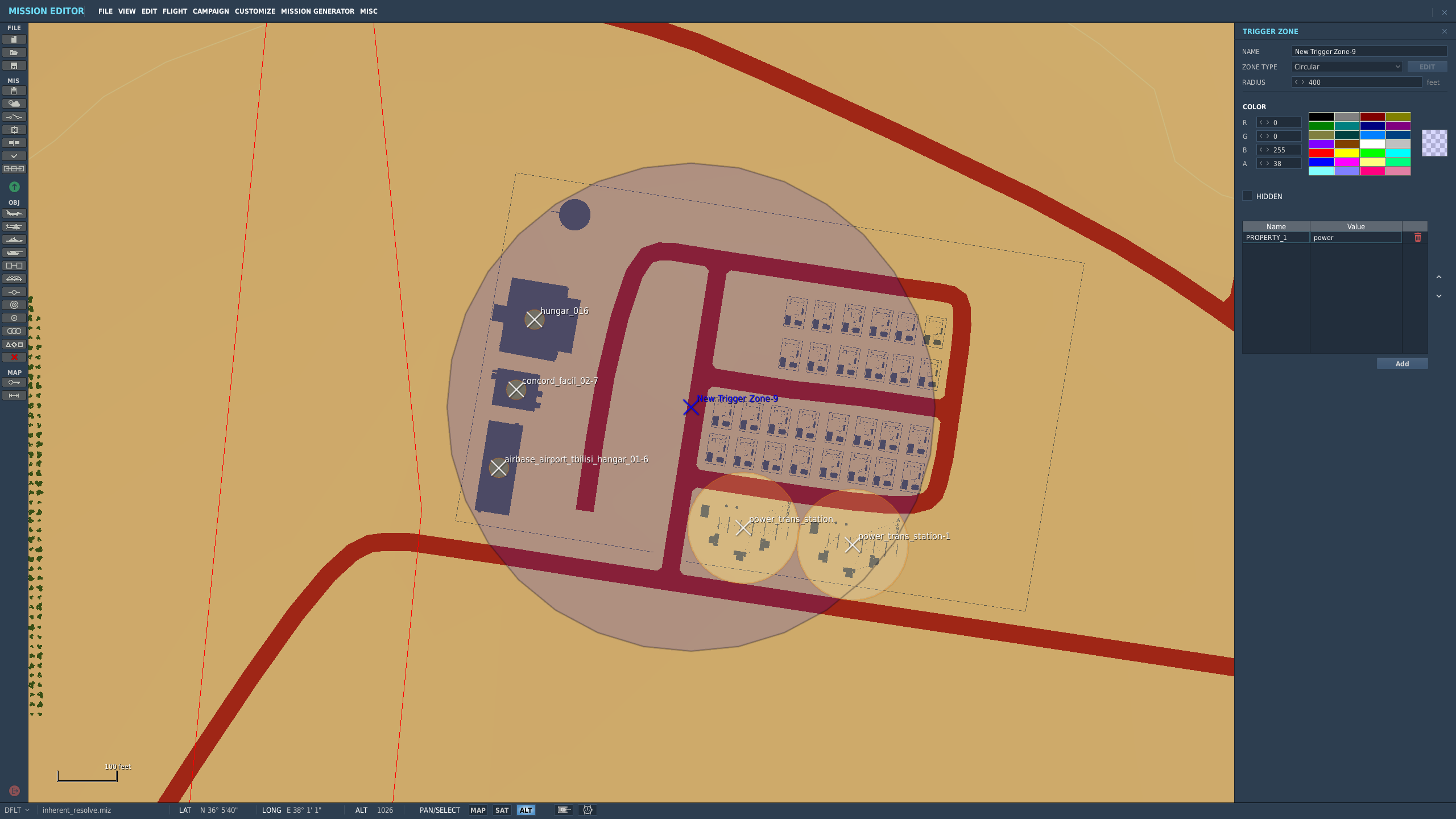
How the objective looks once in the mission planner/editor. This objective belongs to the enemy faction: